

Xiaomi EU Rom Using FastBoot.
Installation:
- Download our ROM zip file
- Unpack downloaded zip file in the PC
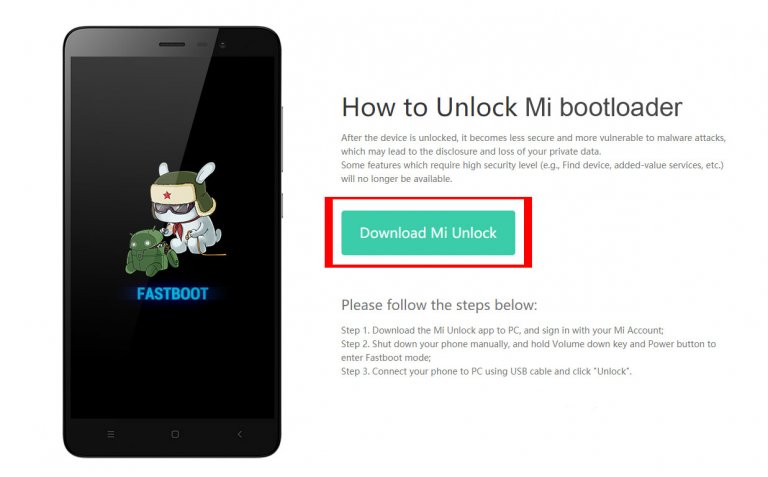
- Reboot your device to fastboot mode (press volume down + power)
- Connect to PC via USB cable
- Run fastboot installation script from unpacked zip according to your PC operating system:
For Windows:
Clean Install:
windows_fastboot_first_install_with_data_format.sh
Updating:
windows_fastboot_update_rom.shFor Linux:
Clean Install:
linux_fastboot_first_install_with_data_format.sh
Updating:
linux_fastboot_update_rom.shFor MacOS:
Clean Install:
macos_fastboot_first_install_with_data_format.shUpdating:
macos_fastboot_update_rom.sh